
A connector fault needs controlled testing
Phone Charging Port Repair Auckland
Charging failure crosses brands and connector types, but the diagnostic order stays practical: power source, adaptor, cable, visible debris or moisture, battery behaviour, connector and wider charging circuit. Replacing the port first can miss a simpler or deeper cause.
Answer first
What to know before choosing a repair
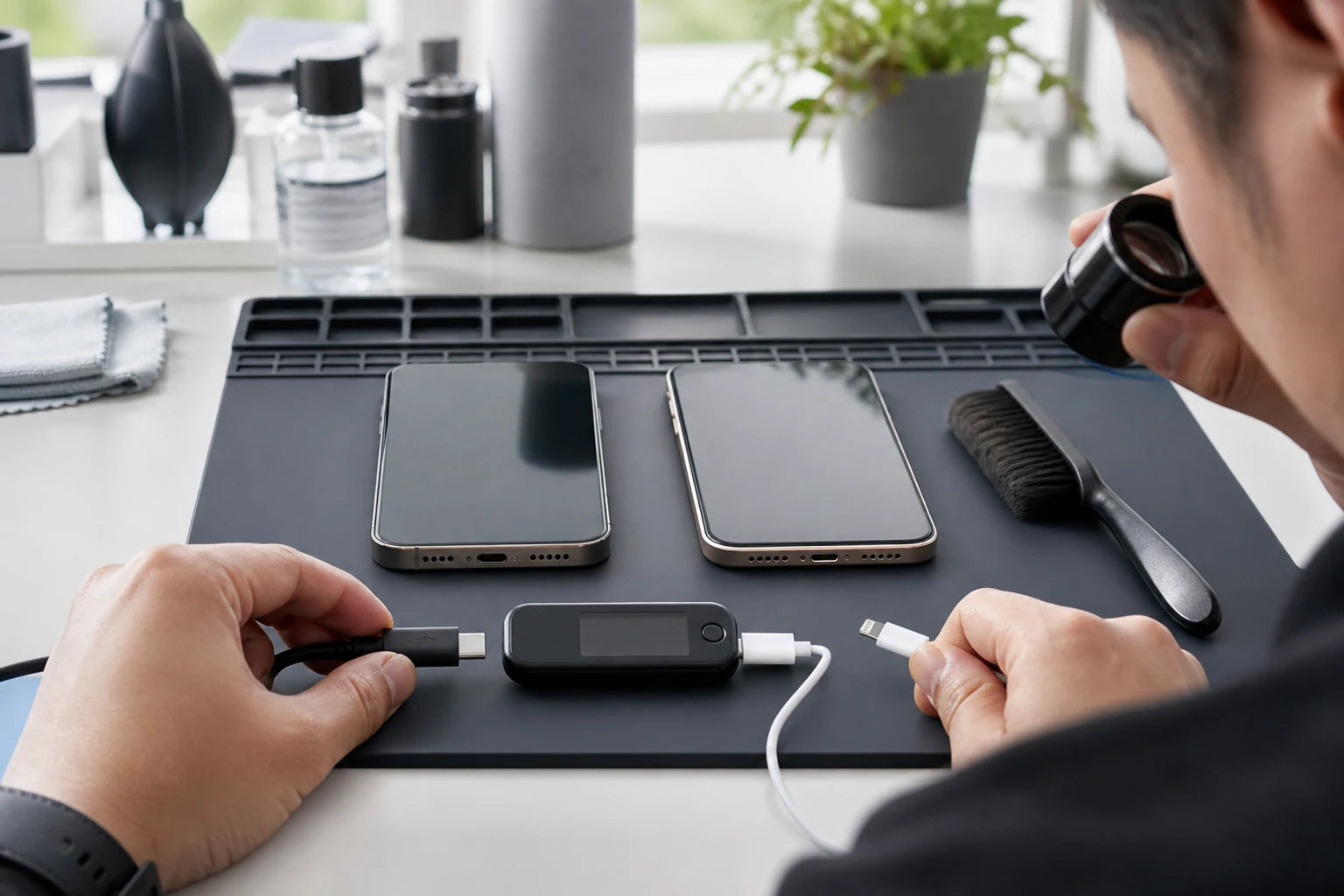
MoboPlus assesses USB-C and Lightning phone charging faults in Westgate, Auckland. Bring the exact phone model plus the cable and adaptor that show the issue. We check accessory, moisture, debris, battery and connector behaviour before recommending professional cleaning, port-related work or further power diagnosis.
01 · Safe user checks
Rule out the setup without touching the connector pins
If the phone is wet, swollen, burnt or unusually hot, disconnect power and stop. Otherwise, change one external variable at a time and record the result.
Change the external variable
- Try a known-working compatible cable.
- Try a suitable adaptor and another wall outlet.
- Remove a case only if it blocks full plug insertion.
- Check whether the cable works with another compatible device.
- If supported and completely dry, note whether wireless charging behaves differently.
Observe the failure pattern
- Does the plug sit fully or feel loose?
- Does charging depend on angle or pressure?
- Is charging slow, intermittent or absent?
- Can a computer or accessory make a data connection?
- Did a moisture warning, drop or spill happen first?
02 · One symptom, several systems
What charging behaviour can reveal
A connector has power and, on many devices, data or accessory contacts. Which function fails helps isolate the cause.
| Behaviour | Likely areas | Next distinction |
|---|---|---|
| Only one cable fails | Cable, plug wear or compatibility | Known-working compatible cable and adaptor |
| Every cable feels shallow or loose | Compacted debris, case, damaged connector or frame | Magnified inspection; no blind scraping |
| Charges but no data connection | Charge-only cable, data contacts, software or computer | Data-capable cable, another host device and port inspection |
| Moisture alert appears | Wet phone connector or cable end | Disconnect and dry with airflow; no heat or inserted objects |
| Charging stops as the phone becomes hot | Temperature protection, battery, charger or internal fault | Allow cooling, test suitable accessories and assess battery/power system |
| No wired or wireless power and no startup | Battery, charge circuit, board, impact or liquid damage | Broader no-power assessment before port replacement |
03 · Use the correct intervention
Professional cleaning, port repair or board diagnosis?
The least invasive correct option is better than an automatic replacement. Each route needs evidence and a model-specific scope.
Connector inspection and cleaning
- Often fits when
- Material is visibly preventing full cable seating and contacts appear suitable for careful professional cleaning.
- Check first
- Cleaning cannot restore worn, bent or corroded contacts and should not be attempted with metal or household items.
Port or connector-assembly work
- Often fits when
- Accessory tests and inspection support physical connector damage, wear or corrosion on a serviceable model.
- Check first
- Assemblies can include related microphones or other parts. Ask which functions will be tested after the work.
Battery or charging-circuit diagnosis
- Often fits when
- The phone has heat, swelling, no power, liquid history or unstable charging across more than one method.
- Check first
- A new connector cannot solve a failed battery, power-management component or wider board problem.
04 · A repeatable diagnosis
How MoboPlus narrows down a charging fault
Bring the accessories that reproduce the problem and the exact phone model. Intermittent faults are easier to understand when the original setup is available.
-
Identify the phone and connector
We confirm brand, model code and whether the device uses USB-C, Lightning or another supported connection before discussing the route.
-
Reproduce the reported behaviour
Charging, seating, angle dependence, alerts and data connection are recorded with the customer accessory where safe.
-
Compare known-working equipment
A suitable cable, adaptor and source help eliminate the most common external variables.
-
Inspect and assess related power systems
The connector is viewed under light and magnification, while battery, heat, liquid and wider power symptoms are considered.
-
Confirm, repair and retest
The supported route and quote are agreed first. Afterwards, stable charging and relevant data, audio or accessory functions are compared with intake notes.
05 · Connector-specific context
USB-C and Lightning share symptoms, not identical assemblies
Connector type is only one identifier. Phone model, assembly layout, software and related functions still determine repair scope.
USB-C phones
USB-C cables vary in power and data capability. A cable can charge one device yet fail another requirement, so testing should use an appropriate known-working cable rather than connector shape alone.
Lightning iPhones
The reversible plug can still have worn or contaminated contacts, and compacted pocket debris can prevent full seating. The port should be inspected before replacement is assumed.
Moisture detection
A warning protects contacts by restricting wired use. Disconnect, allow airflow and follow the device maker’s instructions; repeated overrides can contribute to corrosion or permanent damage.
Wireless charging comparison
On a compatible, dry phone, working wireless charge can help isolate the wired path. It does not by itself prove whether the cable, port or connector circuit is at fault.
06 · Avoid preventable damage
Do not scrape, heat or repeatedly charge a wet connector
Metal pins, SIM tools, toothpicks, cotton buds and paper can bend contacts, compact material or leave fibres in the port. External heat and compressed air can move moisture or damage components. A professional inspection uses controlled visibility rather than blind force.
Disconnect immediately after a moisture alert or known spill. Allow the phone and cable to dry according to the manufacturer’s instructions. If the warning persists, or the phone has heat, corrosion or unreliable power, arrange assessment rather than repeated charging attempts.
- Bring the affected cable and adaptor to the store.
- Do not hide liquid exposure—it changes the safe diagnostic route.
- Back up the phone if it is stable, dry and safe to use.
Quote clarity
Why the exact model and fault matter
We do not publish a made-up universal price. A useful quote depends on the device, part path, condition and what a careful assessment shows.
- Brand, model code and connector type
- Charging, data and accessory failure pattern
- Debris, moisture, heat, corrosion or impact
- Battery and broader power-system condition
- Cleaning, connector assembly or diagnostic route and availability
Questions answered
Charging Port Repair FAQ
Clear, conditional answers are more useful than promises that ignore the model or damage.
Does a loose phone cable mean the charging port is broken?
Not always. A case, worn cable or compacted debris can prevent full seating, while bent or worn contacts can require repair. Compare a known-working cable and inspect the connector under good visibility first.
Can MoboPlus clean a charging port instead of replacing it?
If inspection shows removable debris and no clear physical port failure, professional cleaning may be the appropriate route. It cannot repair corrosion, worn contacts or a damaged assembly.
Why will my phone charge but not connect to a computer?
Some cables carry power but not data. Data contacts, the host port, trust settings, software or phone connector can also be involved. Test a known data-capable cable and another computer or port.
What should I do if my phone says moisture is detected?
Disconnect wired power and follow the manufacturer’s drying guidance. Do not use heat, rice, compressed air or inserted objects. Persistent alerts or charging trouble after drying need assessment.
Should I bring my charger for a port repair assessment?
Yes. The cable and adaptor that reproduce the problem can reveal intermittent accessory wear or compatibility and provide a useful comparison with known-working equipment.
Where is MoboPlus for charging-port repair in Auckland?
MoboPlus is at Shop 2/12 Maki Street, Westgate Shopping Centre, Massey, Auckland 0814. Send the exact model and charging behaviour before your visit if possible.
MoboPlus · Westgate
Bring the exact model and the full story of the fault
Shop 2/12 Maki Street, Westgate Shopping Centre, Massey, Auckland 0814- Monday–Saturday
- 10:00–18:00
- Sunday
- 10:30–17:00
Content reviewed 27 August 2026. Service and parts remain subject to exact-model assessment and availability.