
Battery decisions without guesswork
iPhone Battery Replacement Auckland
Battery life changes with chemical age, temperature, signal and apps. Fast drain alone does not prove battery failure. MoboPlus uses the model, Battery Health and real behaviour to choose the next step.
Answer first
What to know before choosing a repair
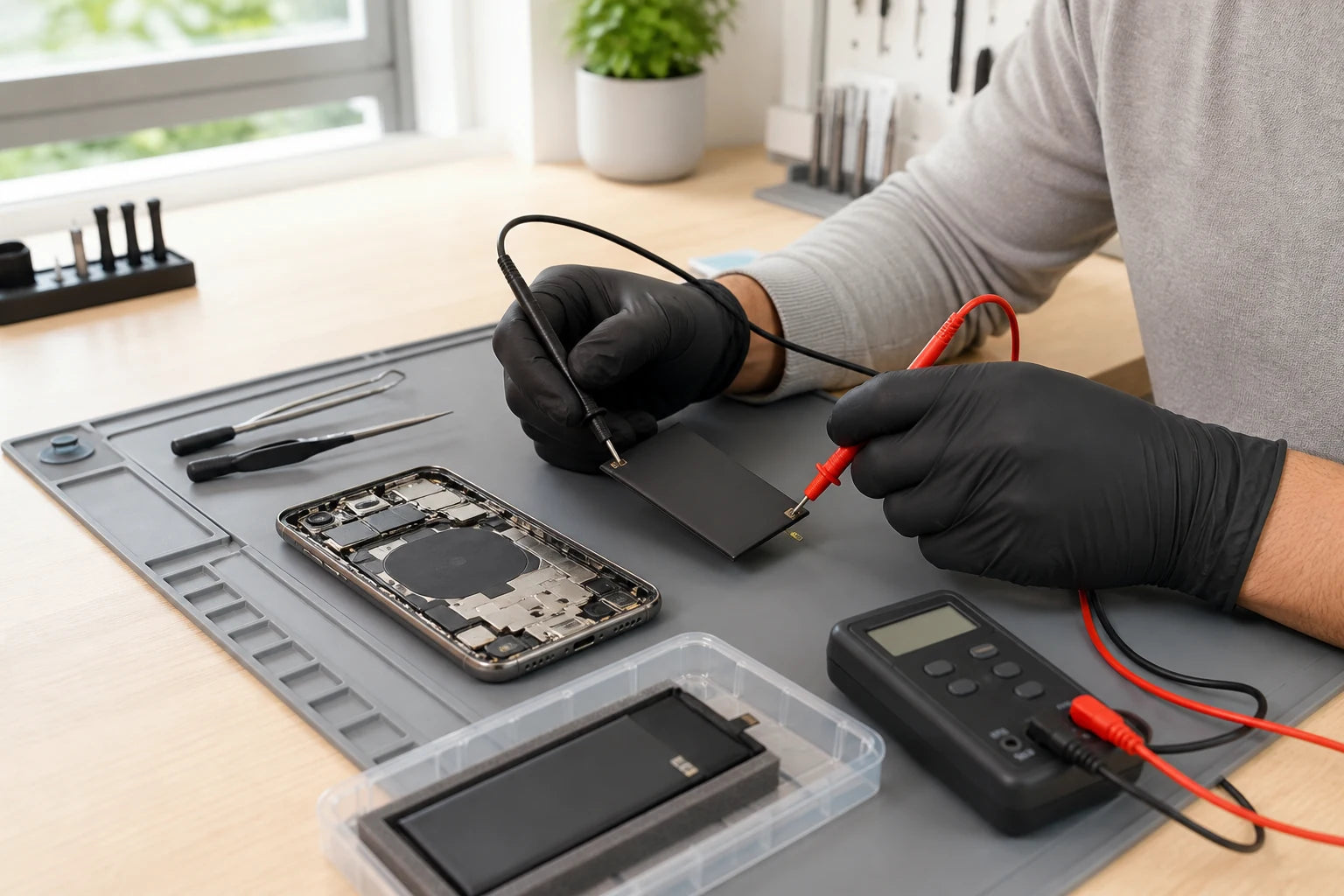
MoboPlus assesses rapid drain, shutdowns, unreliable charging, heat and lifting displays in Westgate, Auckland. If a battery may be swollen, stop charging and using the phone and avoid pressure or puncture. We separate battery ageing from charger, port, software and board faults before recommending replacement.
01 · Interpret the evidence
Battery symptom, possible cause and next check
A battery percentage is one clue, not the entire diagnosis. Note the pattern: when the drain occurs, whether the phone is warm, what charge remains at shutdown and which charger is involved.
| What you notice | What may be happening | What helps confirm it |
|---|---|---|
| Runtime is much shorter than it used to be | Chemical ageing, high app activity, poor signal or heat | Battery Health, battery-usage view, temperature and recent behaviour |
| Unexpected shutdown with charge remaining | Reduced peak-power capability or another power fault | Shutdown pattern, battery condition and power stability checks |
| Phone becomes hot during light use | Heavy process, battery issue, charging fault or internal damage | Separate use-related heat from charging heat and inspect physical condition |
| Battery percentage jumps or charging stalls | Battery reporting, cable, port, charger or power-system issue | Known-working accessory test plus battery and charging assessment |
| Screen or rear panel is lifting | Possible battery swelling or housing damage | Stop charging and pressing the phone; arrange a safety-focused inspection |
A displayed maximum-capacity percentage should be read alongside actual runtime and peak-performance behaviour. It is not a remote safety diagnosis.
02 · Act carefully
A swollen iPhone battery is a physical safety issue
Warning signs include a display lifting from the frame, a new gap at an edge, a back panel pushing outward or the phone rocking on a flat surface. Impact can also bend a housing, so the cause still needs inspection, but the safe response is the same: do not squeeze the device closed.
If swelling is suspected, stop charging and using the phone. Keep it away from heat and combustible material, do not puncture it, and do not attempt a home battery removal. Tell MoboPlus about the swelling before the visit so the device can be handled appropriately.
- Do not place books, clamps or a tight case over a lifted screen.
- Do not use the phone only to run the battery down.
- Do not mail or transport a visibly damaged battery without suitable guidance.
- If the device is smoking, hissing or extremely hot, move away and contact emergency services as appropriate.
03 · Diagnosis before replacement
How we decide whether the battery is the limiting part
The aim is to avoid replacing a battery when an app, charger, port, liquid event or board fault better explains the behaviour.
-
Confirm the model and symptom pattern
Share the exact iPhone model, how long it lasts, whether it shuts down, what charger is used and when unusual heat appears.
-
Review available battery information
Where the phone works, Battery Health and battery-usage information can provide context. A system message or low maximum capacity supports assessment but is not the only deciding factor.
-
Check physical and charging condition
We look for lifting, bends, liquid signs and connector problems, and consider whether charging behaviour points away from the battery itself.
-
Explain the model-specific route
The proposed work, quote, expected system behaviour, part availability and material limitations should be understood before opening the phone.
-
Verify power and charging behaviour
After supported replacement, charging, startup, battery reporting and basic power stability are checked. Longer-term runtime still depends on usage, signal, software and temperature.
04 · Spend where it helps
Optimise, replace the battery or replace the phone?
The sensible choice is based on confirmed cause and total device condition. A new battery cannot repair a cracked display, obsolete software, storage shortage or charging-circuit fault.
Review use and settings first
- Often fits when
- Battery condition appears serviceable and the drain began with a new app, update, travel, weak signal or changed usage.
- Check first
- Use Settings > Battery to identify heavy activity and test whether the pattern changes. Avoid “battery saver” apps that request unnecessary access.
Replace a confirmed ageing battery
- Often fits when
- Runtime, shutdown behaviour, battery information and inspection consistently point to battery degradation, while the phone otherwise meets your needs.
- Check first
- Ask what battery route is proposed, what system information may appear and what post-fit tests are included.
Compare a replacement device
- Often fits when
- The iPhone has several costly faults, lacks required software support or no longer provides enough storage or performance for your use.
- Check first
- Protect data first, then compare the confirmed repair total with a replacement that has known battery condition and support life.
05 · Useful before and after
Information that improves the battery assessment
A vague report such as “bad battery” hides the most useful evidence. Bring the pattern and relevant accessory so the fault can be reproduced more accurately.
Before visiting
- Back up the iPhone if it is safe and stable enough to do so.
- Record Battery Health and any service or verification message.
- Note the charge percentage at unexpected shutdowns.
- Bring the usual cable and adaptor if charging is unreliable.
- Report swelling, liquid exposure, drops and earlier battery work.
After supported replacement
- Confirm the phone starts and accepts charge consistently.
- Review the expected Battery Health or service-history behaviour for the model.
- Observe runtime over normal use rather than one short test.
- Avoid prolonged heat and use a suitable charger and cable.
- Return for assessment if lifting, unusual heat or unstable charging appears.
06 · Use precise language
Four battery facts that prevent misleading expectations
These distinctions keep the decision grounded in Apple’s information and the individual phone.
Rechargeable batteries are consumable
Lithium-ion batteries lose capacity and peak-power capability through chemical ageing. Age includes charge cycles, temperature and care—not only the number of months since purchase.
Eighty percent is context, not an emergency alarm
Apple publishes design targets and uses battery-health information to support service decisions. A percentage alone does not prove danger or make replacement mandatory for every user.
A replacement cannot promise a fixed runtime
Apps, screen use, signal, location services, temperature and network conditions continue to determine daily battery life after any battery service.
System reporting depends on the repair route
Parts and Service History or battery verification information varies by model, iOS, component and process. The expected message should be discussed before work, not guaranteed afterwards.
Quote clarity
Why the exact model and fault matter
A useful quote starts with your exact iPhone model and a description of the fault. Contact MoboPlus to discuss the proposed repair, what the quote includes, current parts availability and estimated completion time before visiting.
Not sure of the model? Use Apple’s iPhone model-identification guide. If the damaged phone cannot be used safely, tell us the model is uncertain.
- Exact iPhone model
- Battery Health information and real runtime pattern
- Unexpected shutdown, heat, swelling or charging symptoms
- Previous battery work, liquid exposure or housing damage
- Battery route, availability and need for further diagnosis
Questions answered
iPhone Battery FAQ
Clear, conditional answers are more useful than promises that ignore the model or damage.
Does an iPhone battery below 80% always need replacement?
No single percentage is a universal instruction. Apple uses maximum capacity and peak-performance information as indicators, while actual runtime, shutdowns, use pattern and device condition also matter. Replace based on the complete assessment and your needs.
Can a new battery make an iPhone faster?
It can improve reliability when an aged battery cannot deliver the peak power the phone requires and performance management has been applied. It will not correct unrelated storage, software, thermal or hardware limitations.
Will Battery Health show 100% after replacement?
That should not be promised without confirming the exact model, battery route and repair process. Newer iPhones can display verification or Parts and Service History information depending on how the repair is completed.
What should I do if my iPhone screen is lifting?
Stop charging and using the phone, do not press the display down and keep it away from heat. A swollen battery is one possible cause and requires careful physical assessment.
Can fast drain be caused by something other than the battery?
Yes. Heavy app activity, poor signal, high brightness, location use, heat, software behaviour, a charging fault or another internal issue can all shorten runtime. The timing and pattern help distinguish them.
Where can I get an iPhone battery assessed in West Auckland?
MoboPlus is at Shop 2/12 Maki Street, Westgate Shopping Centre, Massey, Auckland. Contact us with the exact model and symptoms, especially if the phone is swollen or unstable.
MoboPlus · Westgate
Bring the exact model and the full story of the fault
Shop 2/12 Maki Street, Westgate Shopping Centre, Massey, Auckland 0814- Monday–Saturday
- 10:00–18:00
- Sunday
- 10:30–17:00
Content reviewed 27 August 2026. Service and parts remain subject to exact-model assessment and availability.