
MacBook display-path diagnosis · Westgate
MacBook Screen Repair in Auckland
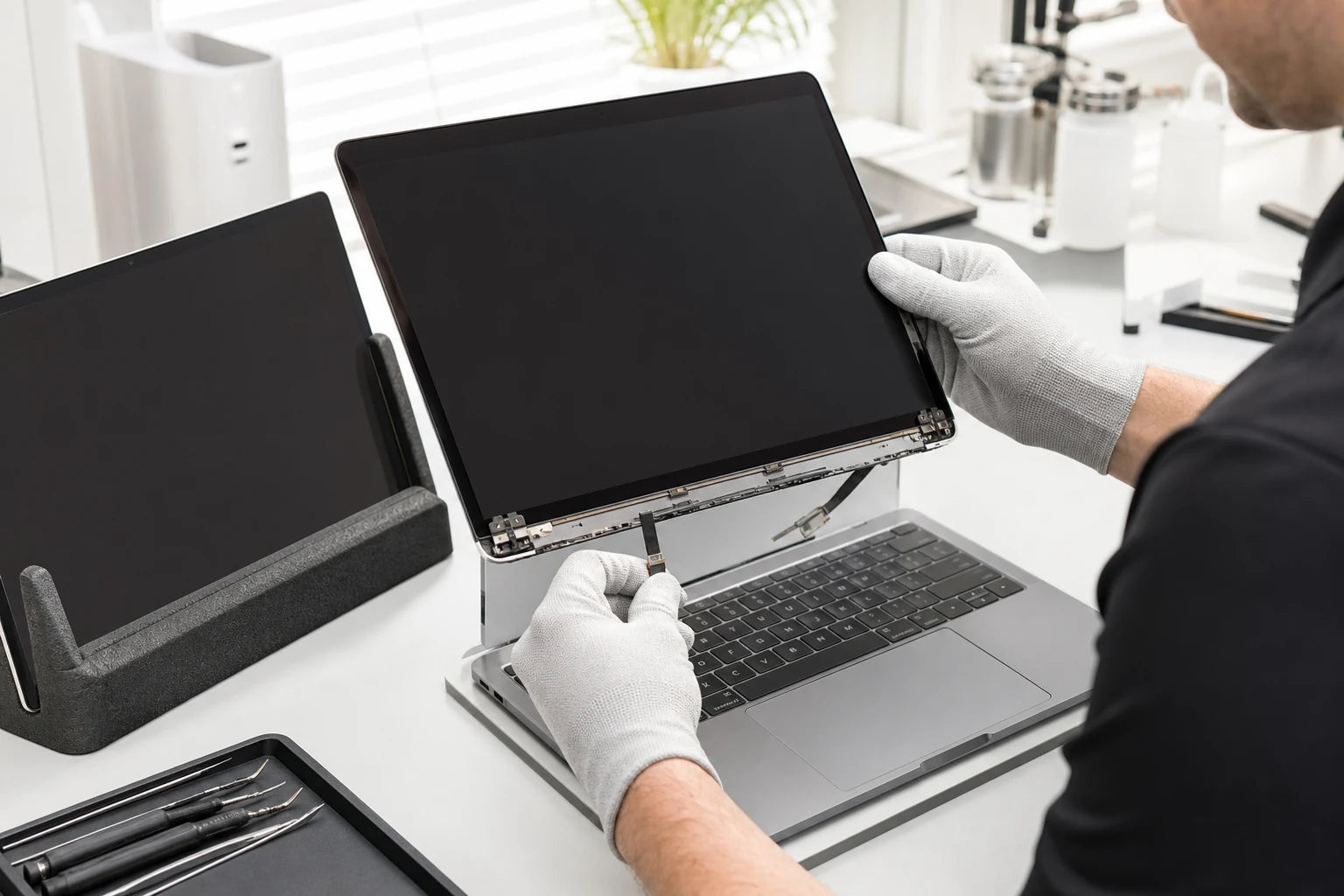
Cracked glass, ink-like patches and obvious panel damage point toward the display assembly, while a blank, dim or flickering MacBook screen can involve cables, backlight power, liquid damage, lid sensing or the logic board. MoboPlus identifies the model and display path before confirming options.
Answer first
What to know before choosing a repair
MoboPlus assesses MacBook Air and MacBook Pro screen faults in Westgate, Auckland. The appropriate repair depends on the exact model, physical damage, display specification and whether testing points to the screen assembly or another part of the display and startup system.
01 · The visible symptom is only the first clue
MacBook display symptoms and the systems behind them
A replacement display is a significant decision, so black-screen and intermittent faults should be separated from obvious physical panel damage where practical.
| Display symptom | Possible fault area | Useful diagnostic clue |
|---|---|---|
| Crack, coloured lines or ink-like black patch | Physical panel or display-assembly damage | Check the lid, bezel, hinge and camera area for impact or pressure damage |
| Screen is black but the MacBook appears to start | Display assembly, cable, backlight, lid sensor or board display path | Note sounds, trackpad response and whether an external display shows an image |
| Image is dim or visible only under strong light | Backlight, display cable, connector or backlight-power circuit | Report brightness-control behaviour and any earlier liquid exposure |
| Image flickers or changes with lid angle | Flex cable, hinge routing, connector or display assembly | Avoid repeatedly moving the lid through the failing angle |
| Colours, blocks or lines appear without a crack | Panel electronics, cable, liquid damage or graphics path | Compare the internal screen with a screenshot or external display |
| MacBook will not wake when the lid opens | Sleep state, lid sensing, display path or broader startup fault | Record whether keyboard, charging and external-display behaviour remain normal |
External-display testing is useful but not conclusive by itself. It helps separate the internal display path from a broader no-start or graphics problem.
02 · More than the visible panel
What may be included in a MacBook screen repair decision
MacBook display construction varies by model and year. Customers should understand which assembly is being discussed and which connected functions require checking.
Panel and bonded display layers
Physical cracks, black patches and permanent lines often sit within bonded display layers. The available service approach can differ between models and should be confirmed rather than inferred from screen size.
Lid, bezel and hinge structure
A drop can bend the lid, disturb hinge alignment or crack trim as well as damaging the image. Installing a display without addressing structural stress can leave the new assembly vulnerable.
Display cable and backlight path
Intermittent image, angle-dependent flicker and a very dim display may require cable, connector or power-path diagnosis before a complete screen is treated as the answer.
Camera, sensors and sleep behaviour
The upper assembly can incorporate camera and sensing functions, while lid position affects wake and sleep. The relevant features vary and should be included in post-repair checks where present.
Model-dependent display features
Brightness, colour behaviour and other display features can depend on the exact MacBook, part and repair method. Ask what can be verified for the specific model instead of accepting a universal guarantee.
03 · Model accuracy prevents the wrong quote
What to provide for a MacBook screen assessment
“13-inch MacBook” is not a complete identification. Similar-looking Air and Pro models can use different displays, connectors and enclosure designs.
Identify the MacBook
- Model name and year from About This Mac when the computer still displays an image
- Model or regulatory identifier from the underside when it does not start
- Screen size and whether it is MacBook Air or MacBook Pro
Show the fault
- A front-on photograph with the display powered where safe
- A side photograph of the lid, bezel and both hinges after impact
- A description of any flicker, dimness or change with lid angle
Explain the context
- Whether the fault followed pressure, a fall, liquid or gradual change
- Whether the MacBook starts, charges and works with an external display
- Whether Apple warranty, AppleCare or another coverage route may still apply
04 · Diagnose, match, protect, verify
A model-specific MacBook display repair process
The goal is not only to restore an image, but to avoid ordering the wrong assembly and to identify damage that could affect the replacement.
-
Confirm coverage and exact model
Check whether Apple service should be considered first, then identify the Air or Pro model, size and year. Part selection should not proceed from appearance alone.
-
Separate panel damage from display-path faults
Visible damage, startup response, internal image, external output, backlight behaviour and lid movement are considered according to the symptom. Further inspection may be needed when evidence conflicts.
-
Inspect surrounding structure
The lid, hinge, bezel, cable route and liquid indicators around the display path can change the appropriate scope. Hidden enclosure damage should be discussed before approval.
-
Confirm the available repair option
MoboPlus should explain the part type, compatibility, availability, connected functions and uncertainty for that model. No universal claim about colour features or timing should replace a model-specific answer.
-
Test the relevant display functions
Checks can include stable image, brightness adjustment, visible defects, camera, sleep and wake response, and normal hinge movement. The final test list should reflect the model and repair actually completed.
05 · Choose the route, not just the part
Display repair, broader diagnosis or device replacement?
The correct choice depends on evidence, coverage and the condition of the complete MacBook.
Display-focused repair
- Often fits when
- Physical panel damage is clear, the MacBook otherwise starts normally and the lid, hinge and surrounding systems remain serviceable.
- Check first
- Confirm the exact assembly and which display-related features can be tested for that model.
Broader display-path diagnosis
- Often fits when
- The image is blank, dim, intermittent or affected by liquid without conclusive physical panel damage.
- Check first
- Cable, connector, backlight power, lid sensing and logic-board causes may need to be separated before a display is ordered.
Replace the MacBook
- Often fits when
- Display damage combines with major liquid, enclosure, battery or board faults, or the computer no longer meets software and performance needs.
- Check first
- Back up or recover data and compare the complete approved scope with a realistic replacement, not only a headline screen price.
Quote clarity
Why the exact model and fault matter
We do not publish a made-up universal price. A useful quote depends on the device, part path, condition and what a careful assessment shows.
- Exact MacBook Air or Pro model, year, size and identifier
- Physical crack versus blank, dim or intermittent display-path fault
- Display part type and model-dependent compatibility
- Lid, bezel, hinge, cable, camera-area or liquid damage
- Part availability and the selected service method
- Connected functions requiring model-specific verification
- Additional logic-board or backlight diagnosis
Questions answered
MacBook Screen Repair FAQ
Clear, conditional answers are more useful than promises that ignore the model or damage.
Does a cracked MacBook screen need replacement?
A physically cracked image panel generally requires a display repair or replacement approach rather than a surface crack treatment. The exact scope depends on model construction and whether the lid, bezel, hinges or camera area were damaged by the same impact.
Does a black MacBook screen always mean the display is broken?
No. A blank screen can involve the display, cable, backlight power, lid sensing, liquid damage, logic board or a MacBook that has not completed startup. Sounds, trackpad response and external-display behaviour provide useful evidence.
Can MoboPlus replace screens on every MacBook Air and Pro?
Availability cannot be assumed for every model. MoboPlus needs the exact MacBook Air or Pro identifier, screen condition and surrounding damage before confirming whether an appropriate part and repair path are available.
Will True Tone, brightness and camera features still work?
Feature behaviour can depend on the MacBook model, selected part and repair method. MoboPlus should explain what applies to the exact device and which functions can be tested. This page does not promise universal preservation of model-dependent display features.
Will MacBook screen repair erase my data?
Display service normally does not intentionally erase storage, but it cannot guarantee the condition of unrelated components or files. Back up first where possible and disclose important data when the fault followed an impact, spill or broader startup problem.
Should I use Apple service for a MacBook screen?
If Apple warranty, AppleCare or a service programme may apply, check official Apple service options before independent work. If the MacBook is outside coverage, compare the diagnosis, part, testing and total scope of each route.
MoboPlus · Westgate
Bring the exact model and the full story of the fault
Shop 2/12 Maki Street, Westgate Shopping Centre, Massey, Auckland 0814- Monday–Saturday
- 10:00–18:00
- Sunday
- 10:30–17:00
Content reviewed 27 August 2026. Service and parts remain subject to exact-model assessment and availability.