
Phone · tablet · laptop · desktop · Westgate
Device Repair Services Auckland
Match the device and symptom to the right diagnostic path. This hub helps customers choose a specific service without guessing which part failed.
Answer first
What to know before choosing a repair
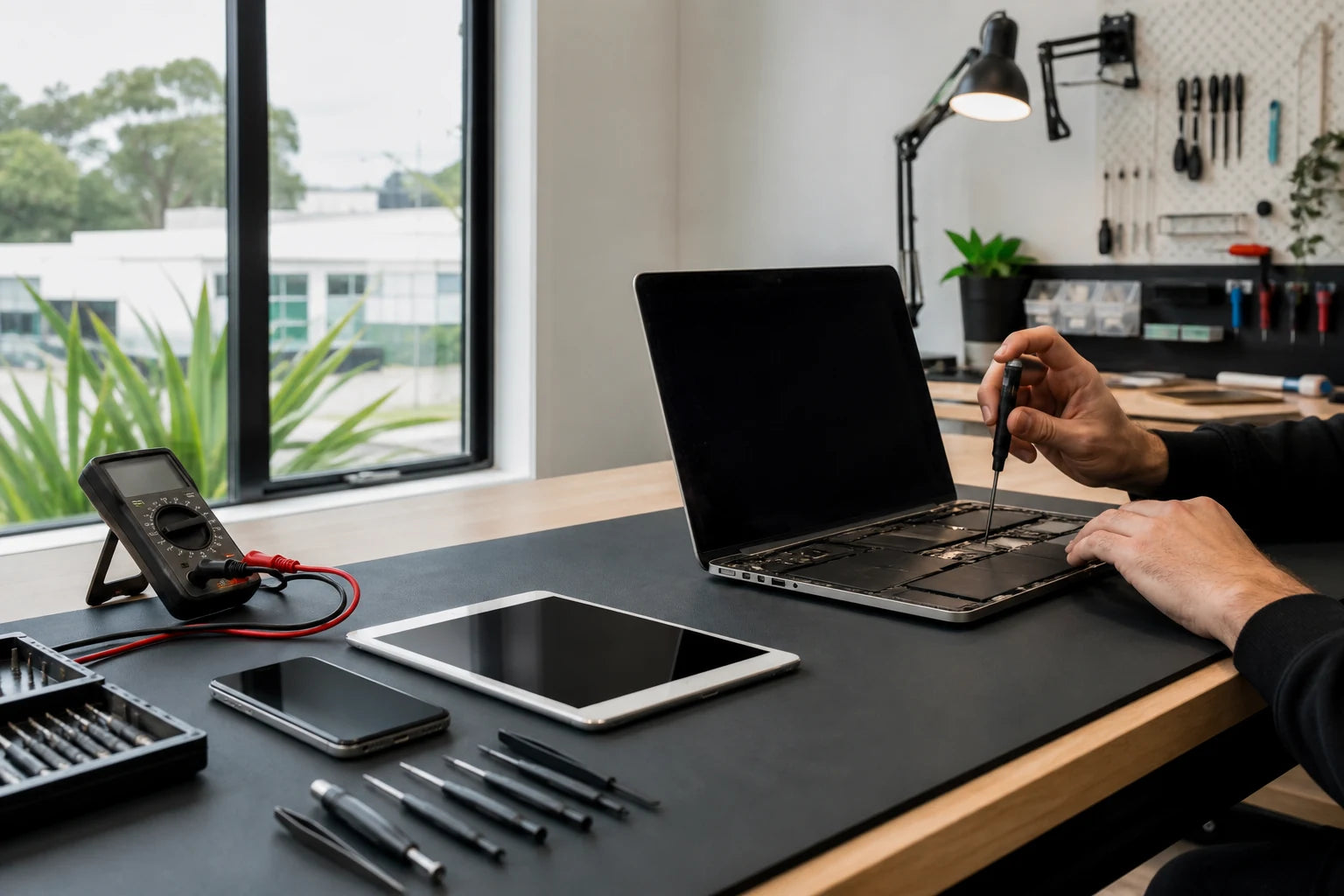
MoboPlus assesses supported phones, tablets, laptops and desktop computers at its Westgate store. Share the exact model, full symptom and what happened before the fault; the team can then confirm the diagnostic path, explain practical options and quote before approved work begins.
01 · Route by device
Start with the device you need to use again
The broad symptom may sound similar across devices, but construction, parts and data risks differ. Choose the closest category first; the next page narrows the fault without assuming a component.
Phone repair
Use the phone route for cracked displays, weak batteries, charging faults, cameras, audio, liquid exposure or a handset that will not start.
Open phone repairTablet repair
Choose tablet repair when an iPad, Galaxy Tab or another supported tablet has touch, display, battery, USB, audio, camera or software symptoms.
Open tablet repairLaptop repair
The laptop route covers portable Windows computers and supported notebooks with screen, keyboard, battery, charging, cooling, storage or startup faults.
Open laptop repairDesktop computer repair
Use the desktop path for towers and supported all-in-one systems with no power, no display, boot errors, instability, overheating or upgrade questions.
Open desktop repairImportant files or inaccessible data
If the priority is the data rather than normal device operation, stop unnecessary power attempts and begin with a recovery-risk assessment.
Open data recovery guidance02 · Route by symptom
Match what you observe to the safest first check
A symptom is evidence, not a diagnosis. This matrix shows the information that helps separate a simple external cause from a part, software, storage or board-level fault.
| What you observe | Useful details to bring | Closest service path |
|---|---|---|
| Cracked, lined, black or unresponsive display | Device model, impact point, whether image and touch still work, and whether the frame is bent | Phone, tablet or laptop screen assessment according to device type |
| Fast drain, shutdowns, heat or physical swelling | Age of the device, charging behaviour, recent updates and whether the case or screen is lifting | Battery assessment; stop using a visibly swollen device and avoid pressing it closed |
| Loose, intermittent or absent charging | Known-good cable and charger results, connector type, debris or liquid history, and data connection behaviour | Charging-port diagnosis before any port replacement is assumed |
| No power, boot loop, blue screen or repeated restart | Last normal use, error text, liquid or impact history, updates and whether files are backed up | Device-level power, software, storage or board assessment |
| Liquid exposure or data is the main priority | Liquid type, time since exposure, power attempts, encryption or passcode status and the files that matter most | Liquid-damage or data-recovery risk assessment before routine repair |
Do not keep retrying a device that is hot, swollen, wet, making unusual storage noises or holding irreplaceable data.
03 · Protect the next step
Pause when continued use could turn one fault into several
A device that still works partially can be tempting to test repeatedly. Continued charging, pressure, heat or writes to failing storage may increase damage or reduce data-recovery options.
If the device is stable and usable, make a current backup before service. If it is wet, swollen, very hot, mechanically damaged or making abnormal drive noises, prioritise safe handling and advice rather than another test.
- Disconnect power when there is swelling, smoke, a burning smell or unsafe heat.
- Do not charge a device after liquid exposure merely to see whether it still works.
- Do not press a lifted screen or puncture a swollen battery.
- Tell the technician when files matter more than restoring normal operation.
- Keep loose SIM cards, memory cards and accessories identified and separate.
04 · Decision support
Repair, recover or replace are different decisions
The best outcome depends on the device condition, continued usefulness, data value and whether one localised fault or several systems are involved.
Assess for repair
- Often fits when
- The device still meets your needs and the symptoms point to a repairable screen, battery, connector, storage, cooling or software path.
- Check first
- Exact model, frame or board condition, parts availability and the result of diagnosis.
Prioritise the data
- Often fits when
- Photos, documents or business files matter more than returning the whole device to daily use.
- Check first
- Avoid unnecessary power attempts and authorise only the access or recovery steps you understand.
Compare replacement
- Often fits when
- Several major systems are damaged, support is limited or the repaired device would no longer suit its intended work.
- Check first
- Include setup, data transfer and the environmental value of extending a usable device, not purchase price alone.
05 · From symptom to decision
A clear repair process avoids guessing and surprise work
The order matters: identify the device, reproduce the symptom where safe, define priorities, then discuss a practical option before work proceeds.
-
Identify the exact device
Record the model code, storage or configuration where relevant, connector type and any previous repair or part history.
-
Describe the sequence
Explain what happened before the fault, what changed, which functions still work and every test already attempted.
-
Set the priority
State whether reliable operation, a specific function, fast access to files or a repair-versus-replace decision matters most.
-
Review the assessed path
MoboPlus can explain the likely work, constraints and quote based on the exact device, condition and supported part path.
-
Approve and verify
Only approved work should proceed, followed by checks relevant to the repaired function and advice about unresolved risks.
06 · Prepare once
A better first message leads to a more useful answer
A product name alone is rarely enough. Gather a small set of facts before calling, emailing or visiting the Westgate store.
Device facts
- Exact model or model code, not only the screen size or colour
- Approximate age and any previous repair or liquid history
- The charger, cable or accessory involved in the symptom
- Whether the device starts and whether a current backup exists
Fault facts
- What you see, hear or feel rather than a guessed failed part
- When the problem began and whether it is constant or intermittent
- Clear photos of external damage where safe to take them
- Which files or functions are most important to preserve
Quote clarity
Why the exact model and fault matter
We do not publish a made-up universal price. A useful quote depends on the device, part path, condition and what a careful assessment shows.
- Exact device model, regional variant and configuration
- Observed symptom and confirmed cause
- Condition of the frame, connectors, board and adjacent components
- Whether data preservation changes the safest work sequence
- Supported part path and current part availability
- Any previous repair, liquid, impact or attempted fix
Questions answered
All Repair Services FAQ
Clear, conditional answers are more useful than promises that ignore the model or damage.
What devices can MoboPlus assess for repair?
MoboPlus assesses supported phones, tablets, laptops and desktop computers. Service depends on the exact model, fault, condition and available repair path, so send the model code and symptoms before relying on a general category list.
Can I get a useful quote from a photo?
A clear photo can help identify visible damage, but it cannot confirm every display, power, storage or board fault. Share the exact model and full symptom; a firm repair path may still require an in-store assessment.
Should I repair the device or replace it?
That depends on the confirmed fault, total condition, parts support, remaining usefulness and value of the data. MoboPlus can explain the assessed repair option so you can compare it with replacement without assuming repair is always worthwhile.
Will my files be preserved during repair?
Many hardware repairs do not intentionally erase data, but no device or storage medium is risk-free. Back up a stable device first and tell MoboPlus when data preservation is the priority so the diagnostic plan can reflect that.
Can MoboPlus diagnose a board-level fault?
Selected power, charging, short-circuit, liquid and no-start cases may be assessed beyond a simple external part. Feasibility depends on the model, damage and available repair path; assessment is not a promise that every board can be repaired.
Where is the MoboPlus repair store?
MoboPlus is at Shop 2/12 Maki Street, Westgate Shopping Centre, Massey, Auckland 0814. Use the verified Google Maps link on this page and call with the model and fault if you want to confirm the appropriate service path first.
MoboPlus · Westgate
Bring the exact model and the full story of the fault
Shop 2/12 Maki Street, Westgate Shopping Centre, Massey, Auckland 0814- Monday–Saturday
- 10:00–18:00
- Sunday
- 10:30–17:00
Content reviewed 27 August 2026. Service and parts remain subject to exact-model assessment and availability.