
Independent iPhone repair in Westgate
iPhone Repair Auckland
MoboPlus assesses the exact iPhone model, the event that caused the problem and the affected functions before recommending supported work at our Westgate store.
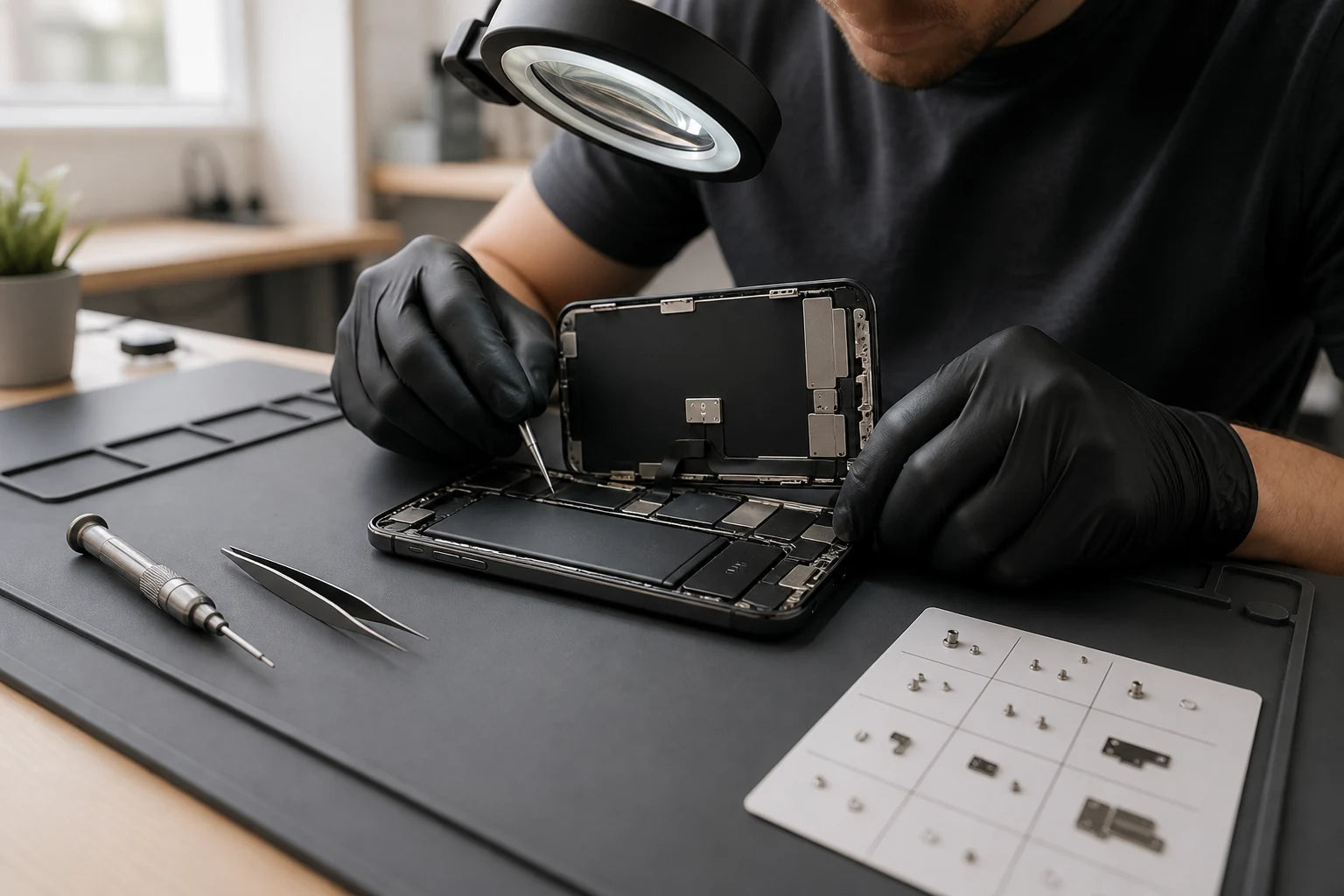
Answer first
What to know before choosing a repair
Bring a cracked, weak, unreliable or liquid-affected iPhone to MoboPlus in Westgate, Auckland. We confirm the model and fault, then explain the proposed repair, quote factors and limitations before proceeding. Parts, timing and the realistic outcome depend on the exact model, its condition and availability.
01 · Find the likely service
Match the iPhone symptom to the first useful check
These are diagnostic starting points. A drop can damage the screen, frame and camera together, while liquid exposure can create unrelated symptoms days after the original event.
| Your iPhone does this | The fault may involve | What should be checked |
|---|---|---|
| Glass is cracked, touch misses or the display has lines | Glass, OLED/LCD, touch layer, frame or display connection | Image, touch, brightness, edge condition and signs of frame distortion |
| Battery drains quickly or the phone shuts down | Battery age, background activity, heat or power system | Battery information, runtime pattern, temperature and charging stability |
| Cable is not recognised or charging is intermittent | Cable, debris, moisture, port, battery or charging circuit | Known-working accessories, connector condition and data/charge behaviour |
| Photos blur, shake or one camera view is black | Lens cover, individual camera module, connection or software | Each lens view, focus, stabilisation, flash and video recording |
| Back glass is broken or the housing is bent | Rear glass, camera lens cover, frame or internal impact damage | Sharp edges, frame alignment, buttons, wireless charging and cameras |
02 · Focused repair guides
Go deeper on the fault you can see
Each dedicated guide answers a different search question and explains what must be ruled out before replacement. Use the broad iPhone page when several functions are affected.
Display and touch
For cracked glass, black OLED/LCD, lines, flicker, touch errors or a frame damaged near the screen. The screen guide explains symptoms, display choices, safe handling and collection checks.
Read the iPhone screen guideBattery and unexpected shutdowns
For short runtime, battery service messages, heat or a phone that powers off under load. The battery guide separates chemical ageing from software, charging and power-system causes.
Check iPhone battery symptomsLightning or USB-C charging
For a loose cable, intermittent charging, no computer connection or a liquid alert. The charging guide begins with safe accessory and connector checks instead of assuming the port needs replacement.
Troubleshoot iPhone chargingRear glass and housing damage
For broken back glass, exposed sharp edges, camera-lens damage or a bent housing. Different physical repairs may be appropriate depending on the model and the extent of the impact.
Compare rear-glass repairsFront or rear camera faults
For focus failure, image shake, a black preview, spots, lens-cover damage or one unavailable camera. Camera modules and external lens glass are not the same repair.
Diagnose an iPhone camera fault03 · Choose with full context
Which iPhone service path fits the situation?
Coverage, desired part route, location and fault type affect the choice. MoboPlus is independent and should not be described as Apple-authorised.
Apple or an Apple Authorised Service Provider
- Often fits when
- You need service considered under Apple warranty or AppleCare, or specifically require an Apple-authorised repair path.
- Check first
- Check coverage and the current route with Apple; authorised providers confirm applicable options after inspection.
Independent local assessment
- Often fits when
- You want an out-of-warranty assessment at a nearby store and a clear quote for supported work.
- Check first
- Ask about the proposed part, possible system messages, testing and the repair record.
Data-first investigation
- Often fits when
- The iPhone will not start, has liquid or board damage, or contains important information that is not backed up.
- Check first
- State the data priority before work. Device restoration and data recovery are different goals and cannot be guaranteed in advance.
04 · What happens in store
A repair process built around evidence
For intermittent faults, note whether the problem appears only in one app, at a battery level or with one cable.
-
Confirm model and repair history
We use model information and prior screen, battery, camera or housing history because earlier damage can change the route.
-
Reproduce the behaviour
Where possible, we check the affected function and nearby systems first, creating a baseline for existing damage.
-
Inspect the physical condition
Cracks, bends, gaps, liquid signs, damaged lenses and swelling can alter scope and risk.
-
Explain the route and quote
We outline supported work, quote factors, availability and limitations. If replacement is not supported, further diagnosis comes first.
-
Repair and function-check
Testing is tailored to the work, such as display and proximity or charge and data connection.
05 · Before handover
Prepare the iPhone without oversharing access
Back up first. Keep credentials private and agree on the minimum access needed for testing.
Information to bring
- Exact iPhone model and iOS version if available.
- A timeline of the fault, including drops, liquid or updates.
- The cable and adaptor when charging behaviour is involved.
- Details of any earlier repair or replacement component.
- Your priority: normal use, a specific function or important data.
Useful checks after repair
- Open Settings > General > About and retain the repair information with the phone history.
- Test the repaired function and any closely related sensors or controls.
- Confirm that the frame closes evenly and no new gap is visible.
- Ask which limitations or unrelated faults remain.
06 · Important expectations
Parts messages and liquid resistance need plain explanations
Newer iPhones can show Parts and Service History information after component work. The result depends on model, iOS, component and process; ask what to expect before repair.
Opening an iPhone or repairing impact damage does not restore factory water resistance. Seals, frame, age and earlier damage matter, so avoid deliberate liquid exposure.
- Do not rely on an unverified claim of genuine, OEM or authorised service.
- Keep an independent backup even when data is not expected to be affected.
- Use Apple support for warranty and AppleCare coverage decisions.
Quote clarity
Why the exact model and fault matter
We do not publish a made-up universal price. A useful quote depends on the device, part path, condition and what a careful assessment shows.
- Exact iPhone model and storage generation
- Requested repair and all related symptoms
- Frame, rear-glass, liquid or multi-part damage
- Previous repair and current parts/service history
- Part availability and whether further diagnosis is required
Questions answered
iPhone Repair FAQ
Clear, conditional answers are more useful than promises that ignore the model or damage.
Which iPhone models can MoboPlus assess?
Contact us with the exact model rather than assuming support from the family name alone. Component availability and practical repair routes differ by model, condition and fault, so support is confirmed case by case.
Is MoboPlus an Apple Authorised Service Provider?
This page presents MoboPlus as an independent repair business, not as an Apple Authorised Service Provider. For warranty or AppleCare service, use Apple’s official repair channel to identify an eligible provider.
Will an iPhone repair show a part message in Settings?
It may, depending on the iPhone model, iOS version, component and repair process. Ask what is expected for your exact repair. Parts and Service History can be viewed on supported models under Settings > General > About.
Should I back up my iPhone before repair?
Yes, whenever the phone can still be backed up. A hardware repair may not be intended to alter storage, but unexpected device failure, software work or deeper damage can put unbacked-up information at risk.
Can several iPhone faults be assessed together?
Yes. Describe all symptoms and their sequence. A hard drop, bent frame or liquid exposure can affect more than the obvious component, so a combined assessment is more useful than treating each symptom in isolation.
How do I get an iPhone repair quote in Westgate?
Send MoboPlus the exact model, symptoms, damage history and photos of visible damage, or bring the device to Shop 2/12 Maki Street. A final repair route may require physical inspection.
MoboPlus · Westgate
Bring the exact model and the full story of the fault
Shop 2/12 Maki Street, Westgate Shopping Centre, Massey, Auckland 0814- Monday–Saturday
- 10:00–18:00
- Sunday
- 10:30–17:00
Content reviewed 27 August 2026. Service and parts remain subject to exact-model assessment and availability.