
Galaxy repair begins with the model code
Samsung Phone Repair Auckland
Galaxy names can span several regions, network versions and hardware revisions. A model code is more useful than a colour or family nickname when checking a display, battery or connector. MoboPlus confirms the exact device and fault before quoting supported Samsung phone repair in Westgate.
Answer first
What to know before choosing a repair
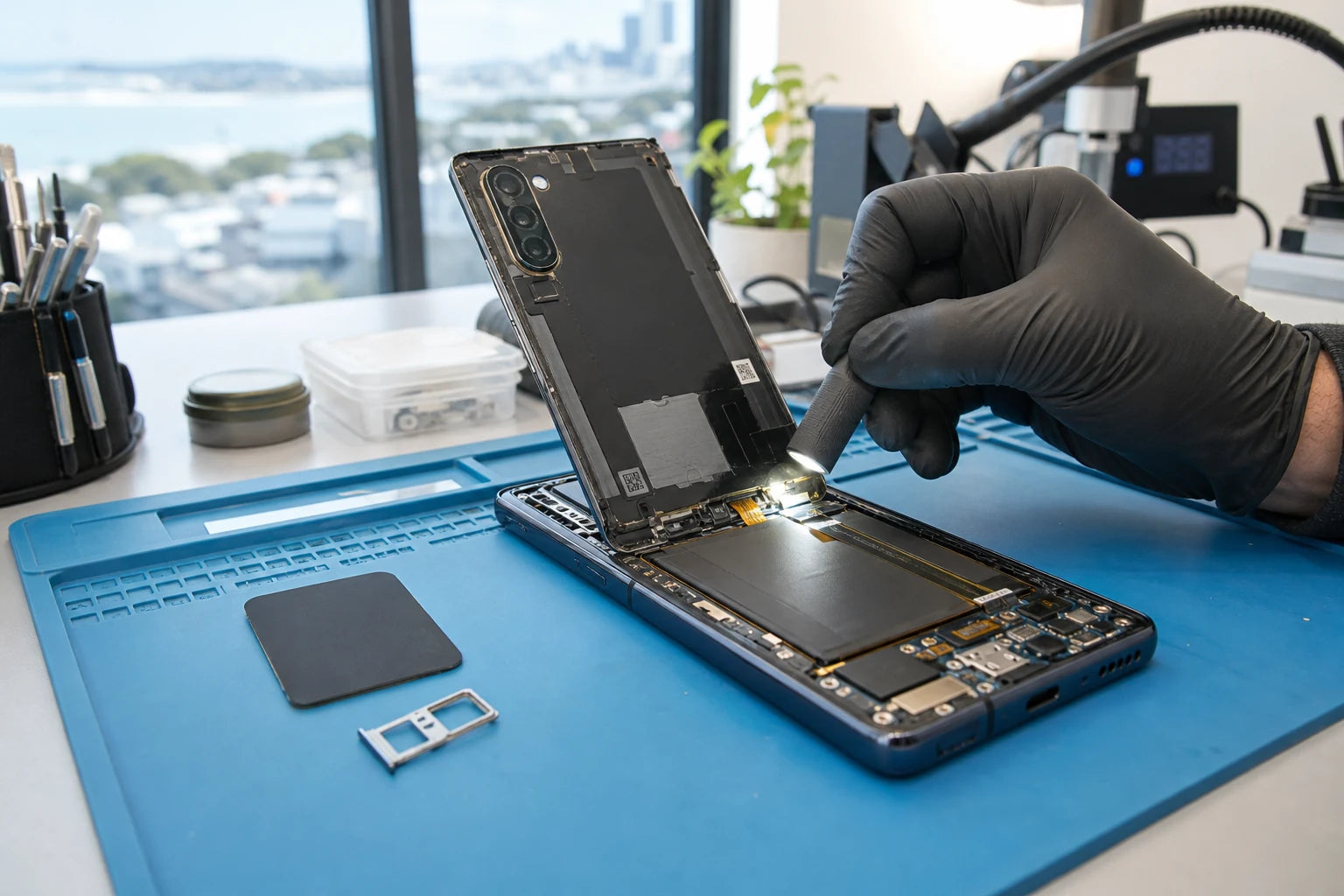
MoboPlus assesses supported Samsung Galaxy phone faults at Shop 2/12 Maki Street in Westgate, Auckland. Send the full model name and model code with the symptoms. We can then distinguish screen, battery, charging, camera, rear-housing, liquid-related and broader phone faults and confirm the practical service route.
01 · Before requesting a quote
Find the Samsung model and protect your information
If the phone works, use Settings > About phone to find the model name and model number. If it does not, check the original box, purchase record or markings where available. Do not guess based on appearance.
Model and fault details
- Record the complete model code, often beginning with SM-.
- State the Galaxy family and size only as additional context.
- Describe image, touch, charging, battery, camera and sound symptoms separately.
- Mention Fold or Flip hinge behaviour and both displays when relevant.
- Report prior repair, liquid exposure, drops or a bent frame.
Data and privacy preparation
- Create a current backup whenever the phone allows it.
- Remove payment cards or sensitive accessories as appropriate.
- Use Samsung Maintenance Mode on supported software if practical.
- Keep account passwords private and agree only the access needed for tests.
- State clearly when recovering data is more important than restoring normal use.
02 · Different devices need different plans
Galaxy family affects the assessment—not just the price
Support and part availability must be confirmed by model. These families describe common construction differences; they are not a claim that every device or repair is available.
Galaxy S series
Flagship models can combine curved or flat displays, multiple cameras, wireless charging and closely fitted rear assemblies. Impact should be checked across the frame, screen and camera area.
Galaxy A series
A-series devices cover many generations and similar names. The full model code is essential because display, connector and battery parts can differ even when the marketing name looks familiar.
Galaxy Z Fold and Z Flip
Foldables have inner and outer displays, a hinge and flexible layers. Do not press bubbles, lines or lifted material flat. The entire folding system needs cautious assessment.
Galaxy Note and FE variants
Note, Fan Edition and other variants can differ from the base family in size, screen, battery and camera layout. Include the suffix and model code when requesting service.
03 · Route by symptom
Common Galaxy faults and what should be checked
AMOLED lines, a black display and a phone with no power are not interchangeable diagnoses. The event history and signs of life matter.
| Symptom | Possible area | Assessment priority |
|---|---|---|
| Crack, green line, ink patch or touch failure | Glass/display assembly, connector or frame impact | Exact model code, image, touch, frame and screen fit |
| Short runtime, shutdown or lifting rear panel | Battery age, swelling, software or power fault | Stop charging if lifting; review battery and physical condition |
| USB-C cable is loose or charging drops | Cable, debris, moisture, port, battery or board | Accessory test and magnified connector inspection before replacement |
| Camera blur, shake or black view | Lens cover, one camera module, software or impact | Test each camera view, focus, flash and physical lens area |
| Moisture warning or faults after a spill | Connector moisture, corrosion or multiple damaged systems | Disconnect charging, keep unpowered and arrange staged assessment |
04 · Choose the appropriate channel
Warranty route, independent repair or data-first assessment?
Samsung’s official support channel and an independent local store serve different needs. Confirm coverage before authorising work that could affect a manufacturer claim.
Samsung authorised service route
- Often fits when
- The phone may be covered by Samsung warranty or a Samsung service plan, or you specifically require an authorised provider and genuine Samsung service route.
- Check first
- Use Samsung New Zealand’s service-centre finder and support contact. Only Samsung can confirm applicable coverage and authorised options.
Independent MoboPlus assessment
- Often fits when
- You need a nearby out-of-warranty assessment and quote for supported work at Westgate.
- Check first
- MoboPlus should not be represented as Samsung-authorised. Ask about the proposed part route, system behaviour and testing before approval.
Data-first investigation
- Often fits when
- The phone does not start, is liquid-damaged or contains important files without a usable backup.
- Check first
- State the data priority at intake. Restoring a device and recovering stored information are separate outcomes and cannot be guaranteed beforehand.
05 · A model-controlled process
How we move from Galaxy name to a repair decision
The model code, fault pattern and physical condition guide every later step. A generic “Samsung screen” quote is not enough information.
-
Verify the model code
We compare the code with the device family and size so the assessment and any availability check refer to the correct hardware variant.
-
Record functions and physical condition
Display, touch, charging, cameras, sound, buttons and reported symptoms are checked where safe, with cracks, bends, gaps and prior work noted.
-
Separate the failed system
We distinguish likely component failure from accessories, software, moisture, frame pressure or a broader power issue before parts are proposed.
-
Confirm scope and quote factors
Supported work, part availability, expected system behaviour and material limitations are explained. Some foldable or complex faults may require another service route.
-
Test against the intake record
After supported work, the original function and relevant nearby systems are checked, and unrelated or unresolved damage is stated separately.
06 · Special care
Foldable displays and liquid history should never be minimised
Do not peel a lifting layer, press a bubble flat or force a Galaxy Fold or Flip hinge. Lines, black areas, hinge resistance and inner-screen lifting can interact, and continued folding may worsen damage. Share the exact symptom before travelling so the practical service route can be considered.
A water-resistance rating is not a guarantee against all liquids or all conditions, and impact or earlier opening can reduce protection. If a moisture warning appears, disconnect the cable. Do not charge a wet phone or assume a later-working device is free of corrosion.
- Back up first and use Maintenance Mode where supported.
- Do not conceal liquid or previous repair history.
- Check Samsung official support before independent work on a potentially covered device.
Quote clarity
Why the exact model and fault matter
We do not publish a made-up universal price. A useful quote depends on the device, part path, condition and what a careful assessment shows.
- Full Samsung model name and SM- model code
- Straight, curved, inner or outer display involved
- Battery, USB-C, camera, rear or multi-system symptoms
- Hinge, frame, liquid and previous-repair condition
- Supported route and model-specific part availability
Questions answered
Samsung Phone Repair FAQ
Clear, conditional answers are more useful than promises that ignore the model or damage.
Why does MoboPlus need my Samsung model code?
Similar Galaxy names and appearances can cover different hardware revisions or regional variants. The full model code reduces the risk of checking the wrong screen, battery, connector or service route.
Is MoboPlus a Samsung authorised service centre?
This page describes MoboPlus as an independent repair business, not a Samsung authorised centre. Use Samsung New Zealand’s official finder if warranty coverage or authorised service is required.
What is Samsung Maintenance Mode?
On supported Galaxy software, Maintenance Mode creates a separate environment that limits access to personal data during service. Samsung still recommends a backup, and availability depends on model and software version.
Can a green line on a Galaxy screen be fixed without inspection?
No remote description can confirm the cause. A green line commonly points to display-system trouble, but impact, connector, frame or other damage and the exact model still affect the repair route.
Should I keep folding a Galaxy Fold or Flip with a screen bubble?
Avoid unnecessary folding, pressing or peeling. A lifted layer, line, black area or stiff hinge requires cautious assessment because continued movement can spread damage.
How do I request a Samsung phone repair quote in Westgate?
Send the complete model code, symptoms and clear photos of visible damage, or visit MoboPlus at Shop 2/12 Maki Street. A firm repair route may require in-person inspection.
MoboPlus · Westgate
Bring the exact model and the full story of the fault
Shop 2/12 Maki Street, Westgate Shopping Centre, Massey, Auckland 0814- Monday–Saturday
- 10:00–18:00
- Sunday
- 10:30–17:00
Content reviewed 27 August 2026. Service and parts remain subject to exact-model assessment and availability.