
Cross-brand battery safety and diagnosis
Phone Battery Replacement Auckland
A phone that does not last the day may have an ageing battery, but signal, apps, heat, charger, connector and power-system faults can look similar. MoboPlus confirms the exact model, physical condition and pattern of failure before recommending a supported replacement.
Answer first
What to know before choosing a repair
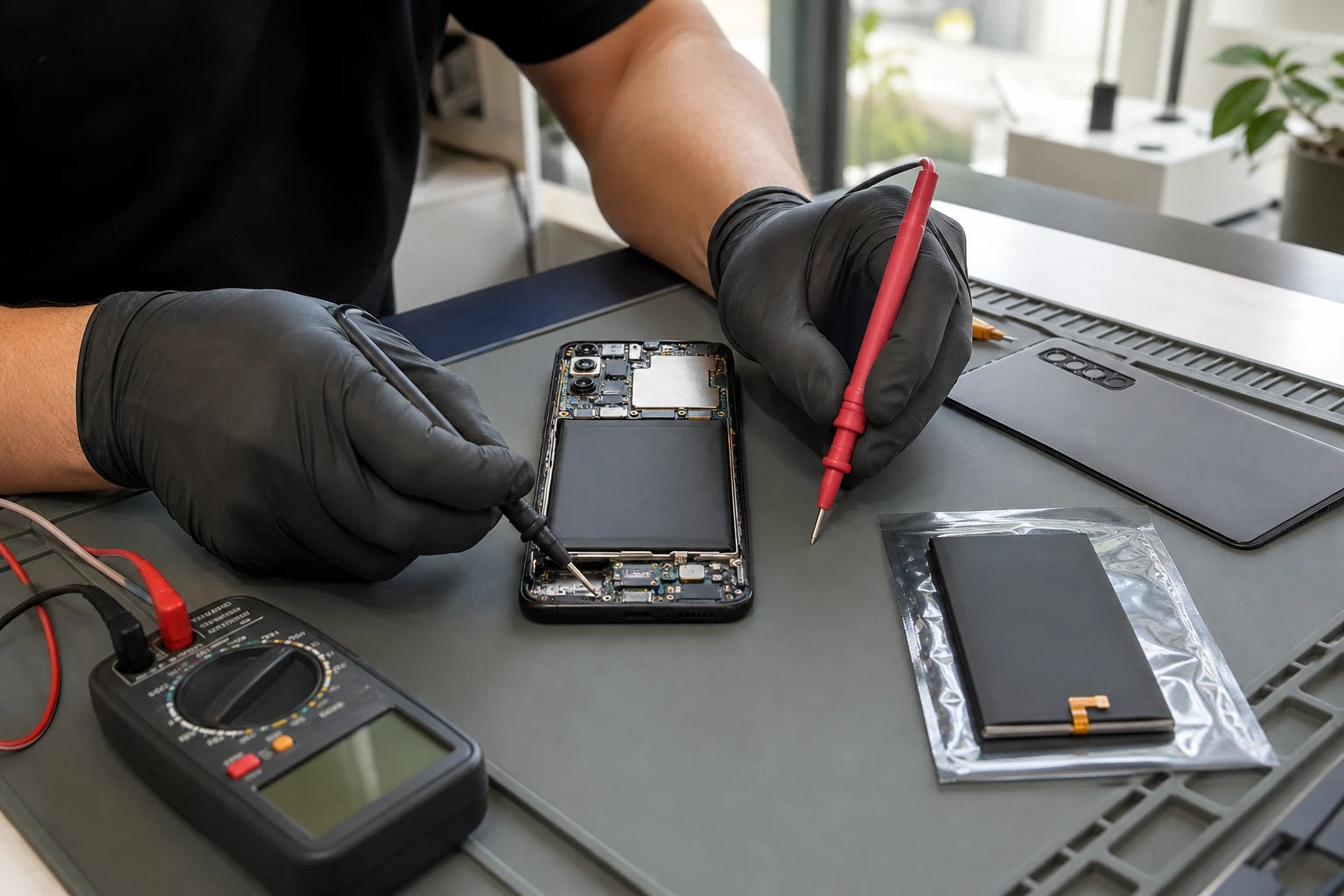
MoboPlus assesses phone battery problems at its Westgate, Auckland store. Contact us with the brand, full model or model code, runtime pattern and any shutdown, heat, charging or swelling symptoms. Stop charging a phone with a lifting screen, expanding back or unusual heat and arrange careful assessment.
01 · Stop and reassess
Do not keep charging a phone that is lifting or swelling
A battery can expand as it fails and push the display or rear cover away from the frame. A bend or damaged adhesive can also cause a gap, so it still needs inspection, but continuing to charge, squeeze or puncture a possibly swollen battery increases risk.
Power the phone down if this can be done without pressing the damaged area. Keep it away from heat, do not clamp it closed and do not try to remove the battery. Tell MoboPlus about the condition before transport. If it is smoking, hissing or extremely hot, move away and use emergency guidance appropriate to the situation.
- Do not place a swollen phone under books or in a tight case.
- Do not deliberately drain it through heavy use.
- Do not expose a damaged battery to metal tools, water or household waste.
- Avoid unsupported shipping of a visibly damaged lithium battery.
02 · Separate the causes
Battery symptom versus charging, software or power fault
Describe when the problem occurs and what percentage remains. Cross-brand battery information is not standardised, so actual behaviour and physical condition are especially important.
| Observed behaviour | Possible causes | Evidence to collect |
|---|---|---|
| Runtime has gradually shortened over months | Battery chemical ageing or changed daily use | Runtime pattern, battery-health information if available and app usage |
| Drain started suddenly after an app or update | Background activity, settings, signal or software issue | Battery-use screen, recent changes, restart and network context |
| Phone shuts down under load | Battery peak-power weakness, temperature or power fault | Charge percentage, task, temperature and whether restart is immediate |
| Charges slowly or stops at a percentage | Cable, adaptor, port, temperature, battery or charging control | Known-working accessories, connector and heat behaviour |
| Display or rear cover is lifting | Possible swollen battery, frame damage or attachment failure | Stop charging and arrange physical inspection rather than more testing |
03 · Part accuracy starts here
What to send before asking for battery availability
A family name such as Galaxy A, iPhone or OPPO Reno may not identify the battery. Model variants can differ in capacity, connector, dimensions and service approach.
Exact model or model code
Use Settings > About phone when possible, the original packaging or a reliable purchase record. Include suffixes and codes rather than selecting a model from a similar photo online.
Runtime and shutdown pattern
State how long the phone lasts under typical use, whether it turns off with charge remaining and whether performance changes at low charge or in cold conditions.
Charging setup
Tell us which cable, adaptor, wired or wireless method is used and whether the phone disconnects, charges slowly or becomes hot. Bring the normal accessories when practical.
Physical and repair history
Report drops, liquid, a lifting panel, earlier battery replacement and any part or service message. These details can change both safety and quote scope.
04 · A controlled replacement route
How a phone battery assessment proceeds
The aim is to establish that the battery is the likely cause, the device can be handled safely and the correct model route is available.
-
Verify the device
We confirm brand, model and variant before discussing the battery route or availability.
-
Record symptoms and condition
Runtime, shutdowns, heat, charging and battery information are reviewed, while gaps, bends, liquid and impact damage are documented.
-
Check competing causes
Accessory, connector, software and wider power behaviour are considered so a battery is not replaced merely because the phone drains.
-
Confirm scope and expectations
The quote, battery route, availability, expected reporting and any unrelated damage are explained before supported work begins.
-
Test startup and charging
After supported replacement, power, charging stability and available battery reporting are checked. Real runtime is then observed through normal customer use.
05 · Choose the outcome, not the slogan
Optimisation, battery service or device replacement?
The right choice depends on the confirmed cause, the phone’s wider condition and the work you need it to do. A battery cannot fix every slow or unreliable phone.
Investigate apps and settings
- Often fits when
- Drain began suddenly, physical condition is normal and usage data points to a new app, weak signal, high brightness or another setting.
- Check first
- Make one controlled change at a time and compare normal use. Do not install untrusted battery-management apps.
Replace a confirmed ageing battery
- Often fits when
- Runtime, shutdown behaviour and available battery information consistently support degradation and the phone otherwise remains useful.
- Check first
- Ask what system reporting is expected, how related functions are tested and how the old battery will be handled.
Compare another phone
- Often fits when
- Several parts are damaged, software support is inadequate, storage is insufficient or total repair cost no longer makes sense for your use.
- Check first
- Back up or recover data first and compare the replacement’s support life and battery condition, not only its purchase price.
06 · After supported service
What to verify without promising a fixed battery life
A short bench test can confirm power and charge behaviour, but daily runtime changes with network, apps, screen use, temperature and settings.
At collection
- Phone starts without a new gap, pressure point or unusual heat.
- A suitable charger connects and remains stable.
- Available battery information behaves as explained for the model.
- Buttons, display and reported nearby functions remain consistent.
- Any unresolved charging, frame or liquid issue is documented.
During normal use
- Observe runtime across several typical days rather than one cycle.
- Review apps or signal conditions if drain remains high.
- Avoid leaving the phone in prolonged heat.
- Use compatible, undamaged charging accessories.
- Stop using it and seek help if swelling or severe heat appears.
Quote clarity
Why the exact model and fault matter
We do not publish a made-up universal price. A useful quote depends on the device, part path, condition and what a careful assessment shows.
- Brand, exact model and model code
- Runtime, shutdown, heat and charging pattern
- Swelling, lifting, impact or liquid condition
- Previous battery replacement and system information
- Supported battery route and availability
Questions answered
Phone Battery FAQ
Clear, conditional answers are more useful than promises that ignore the model or damage.
How do I know whether my phone battery or an app is causing drain?
Gradual decline, shutdowns and battery-health warnings support battery ageing; sudden drain after an app, update, travel or signal change may point elsewhere. Review built-in battery-use information and the complete pattern.
Is a lifting phone screen always a swollen battery?
No, impact, frame deformation or attachment failure can also create a gap. Because swelling is a possible safety issue, stop charging and pressing the phone until it has been inspected.
Can MoboPlus replace any phone battery?
Support must be confirmed from the exact model, construction, condition and part availability. Send the full model code rather than assuming coverage from the brand or family name.
Will a replacement battery give the same runtime as a new phone?
No fixed runtime can be promised. Hardware, software, screen use, apps, signal, temperature and charging habits all affect daily use, and an older phone may have other efficiency limitations.
Will battery replacement delete my phone data?
Battery service is not intended to erase storage, but no repair is a substitute for a backup. A failing phone or deeper power problem can be unpredictable, so back up first whenever it is safe.
Where can I have a phone battery assessed in West Auckland?
Visit MoboPlus at Shop 2/12 Maki Street, Westgate Shopping Centre, Massey, Auckland. Contact us first with the model and any swelling or heat warning so the visit can be planned safely.
MoboPlus · Westgate
Bring the exact model and the full story of the fault
Shop 2/12 Maki Street, Westgate Shopping Centre, Massey, Auckland 0814- Monday–Saturday
- 10:00–18:00
- Sunday
- 10:30–17:00
Content reviewed 27 August 2026. Service and parts remain subject to exact-model assessment and availability.