
Westgate phone repair
Phone Repair Auckland
A black screen can be a display, battery or board fault; poor charging can begin with a cable, debris, liquid or a worn connector. MoboPlus starts with the exact model and visible behaviour, then explains the practical repair path.
Answer first
What to know before choosing a repair
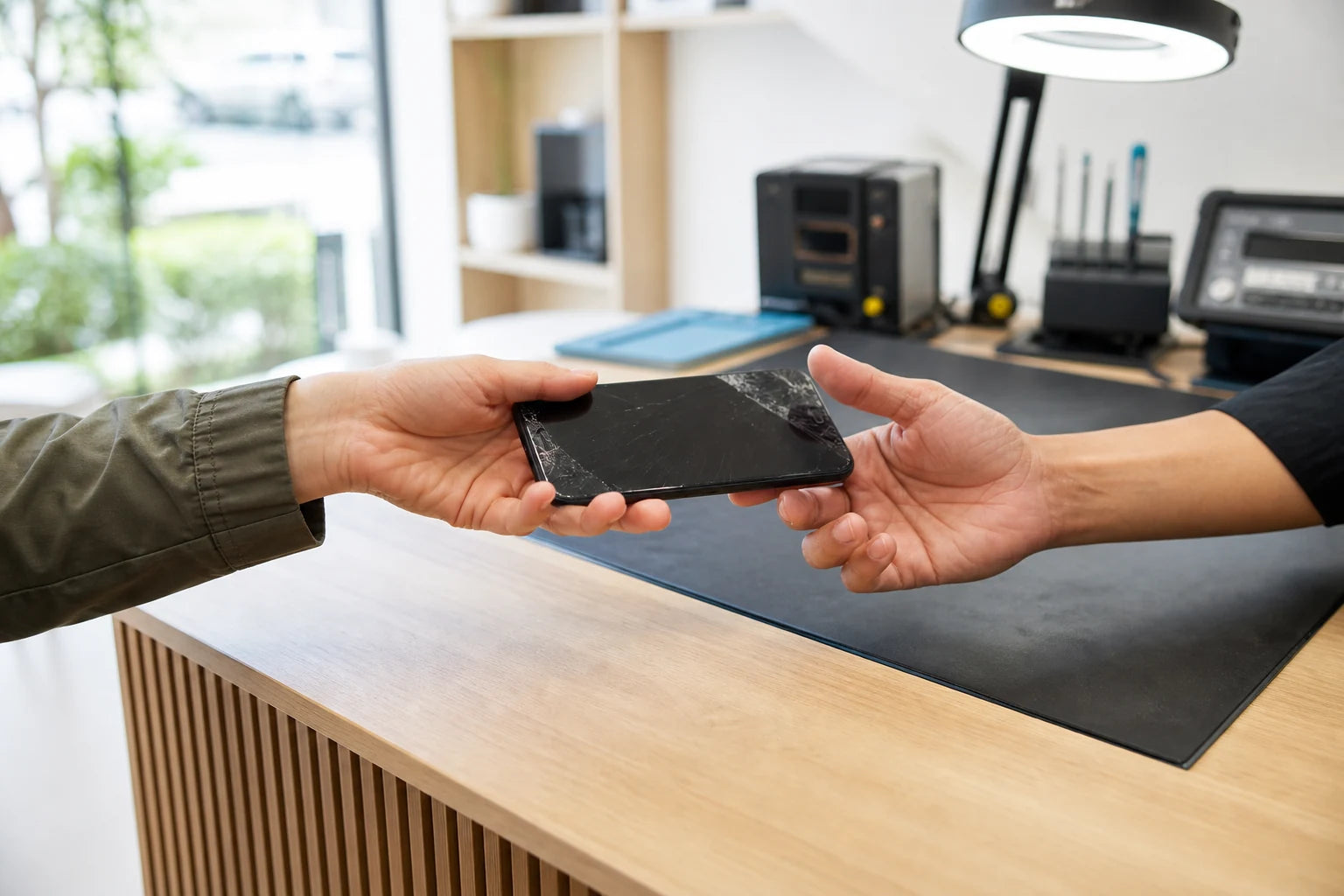
MoboPlus provides phone repair assessments at Shop 2/12 Maki Street in Westgate, Auckland. Bring the exact model and a short fault description. We assess common screen, battery, charging, camera, audio, liquid-related and software symptoms before quoting supported work.
01 · Start with the fault
Choose the service by what the phone is doing
These routes are starting points, not remote diagnoses. If several symptoms followed a drop or spill, tell us the full sequence.
Cracked, lined or unresponsive display
Cracks, blotches, lines, flicker, dead pixels, missed touches and a black display need different checks. We inspect the glass, panel, touch layer, frame and signs of power.
Explore phone screen repairShort runtime, shutdowns or swelling
Fast drain may come from battery age, background use, weak signal, heat or hardware. A lifting screen or back can indicate swelling; stop charging and do not press it closed.
Review battery symptomsCable will not connect or charging drops out
We separate cable and adaptor problems from debris, moisture, connector wear, battery and charging-circuit faults. Likely causes should be checked before replacing a port.
Understand charging-port repairCamera, sound, buttons or connectivity
Blurred photos, black camera preview, quiet audio, microphone failure, stiff buttons or unreliable connections each need focused testing and an exact model check.
Liquid exposure or a phone that will not start
Do not charge a wet phone or repeatedly power it on. First limit further damage, then decide whether phone function, important data or both are the priority.
See the liquid-damage guide02 · Diagnostic map
What a symptom may mean—and what we check next
A symptom is evidence, not a diagnosis. Model-specific inspection helps prevent unnecessary replacement.
| What you notice | Possible causes | Useful next check |
|---|---|---|
| Screen is black but calls or vibrations still work | Display assembly, connector or impact damage | External condition, display response and internal connection assessment |
| Phone restarts or turns off with charge remaining | Aged battery, software issue, temperature or power fault | Battery condition, charging behaviour, event history and power stability |
| Charging only works at an angle | Cable wear, debris, damaged pins or loose port | Known-working cable test and illuminated connector inspection |
| Camera is blurred or shakes after a drop | Lens-cover damage, camera module or stabilisation fault | Lens surface, each camera view, focus, video and flash checks |
| Phone became unreliable after getting wet | Connector moisture, corrosion or damaged components | Keep it unpowered and arrange internal assessment rather than repeated testing |
Tell us what happened immediately before the fault. A drop, spill, update, charger change or previous repair can materially change the diagnosis.
03 · A clear route
From first message to an informed repair decision
You only need the exact model, visible symptoms and when they began.
-
Identify the model
Share the model name and number from Settings, the device or packaging. Similar-looking phones can use different screens, batteries and connectors.
-
Describe the sequence
Explain whether the problem followed a drop, liquid, charging event, update or gradual decline. Mention every related symptom.
-
Assess before replacing
We inspect function and condition, then distinguish likely component failure from cable, software, frame, corrosion or board-related causes.
-
Confirm the proposed work
The supported repair, quote, availability and limitations should be clear first. Some faults require further assessment.
-
Test the functions that matter
After repair, the replaced function and related features are checked where they can be accessed safely.
04 · Make the sensible choice
Repair, investigate further or replace the phone?
Age alone does not decide the answer. Consider the phone’s condition, software support, storage needs, data value, fault complexity and the confirmed repair cost together.
Repair the confirmed fault
- Often fits when
- The phone still meets your needs, the fault is isolated and the rest of the device is in serviceable condition.
- Check first
- Ask what is being replaced, what related damage was found and what functions will be tested before collection.
Investigate before committing
- Often fits when
- The phone has several symptoms, liquid exposure, prior repair history or intermittent power behaviour.
- Check first
- A staged assessment can prevent spending on one visible symptom while a deeper issue remains unresolved.
Compare replacement options
- Often fits when
- Multiple major parts are damaged, the phone no longer supports your essential apps or the repair does not make economic sense for you.
- Check first
- Back up or recover important information first when possible, then compare total cost rather than only the purchase price.
05 · Protect your time and data
A practical checklist for drop-off and collection
Preparation creates a clear test baseline. Never send account passwords or unnecessary private information.
Before the visit
- Back up important data if the phone can still be used.
- Record the exact model and every symptom you have noticed.
- Bring the cable or adaptor when the fault may involve charging.
- Remove cases or accessories only when it is safe to do so.
- Tell us about liquid exposure, previous repairs or intermittent faults.
At collection
- Check the repaired function under normal use conditions.
- Confirm touch, display, charging, sound or camera functions relevant to the work.
- Ask about any unresolved damage or limitations found during assessment.
- Keep the repair record with the device history.
06 · Local information
Visit MoboPlus in Westgate Shopping Centre
MoboPlus is at Shop 2/12 Maki Street, Westgate Shopping Centre, Massey, Auckland 0814. Contact us with the model and symptom before travelling when a model-specific part or longer assessment may be needed.
Published hours are Monday to Saturday 10:00–18:00 and Sunday 10:30–17:00.
- Phone: 09 688 2610
- Email: moboplusnz@gmail.com
- Use the site contact or map link for current directions.
Quote clarity
Why the exact model and fault matter
We do not publish a made-up universal price. A useful quote depends on the device, part path, condition and what a careful assessment shows.
- Exact brand, model and model number
- The failed function and how the problem began
- Physical, frame, liquid or previous-repair damage
- Part availability for the confirmed model
- Whether further diagnosis is needed before a repair can be confirmed
Questions answered
Phone Repair FAQ
Clear, conditional answers are more useful than promises that ignore the model or damage.
What phone information should I send for a repair quote?
Send the brand, exact model or model number, the symptoms, when the issue started and whether there was a drop, liquid exposure or earlier repair. Photos can help with visible damage, but an image cannot confirm an internal fault.
Can you tell from a cracked screen photo what needs replacing?
A photo can show surface and frame damage, but it cannot reliably test touch response, the display panel, connectors or internal impact damage. The exact model and an in-person functional check are still important.
Will a phone repair erase my photos and apps?
Many component repairs do not intentionally erase data, but no repair should be treated as a backup. Hardware can fail unexpectedly and some diagnostic or software routes may affect storage, so back up important information whenever the phone allows it.
Should I bring my charger with a phone that will not charge?
Yes, if practical. Testing the cable and adaptor you normally use can reveal an accessory problem and helps us reproduce intermittent behaviour. Do not reconnect a charger if the phone or connector is wet.
Is it worth repairing an older phone?
It can be when the device still runs the apps you need, is otherwise in good condition and the confirmed repair cost is sensible to you. Compare software support, storage, other damage and expected use rather than deciding by age alone.
Do I need an appointment for phone repair in Westgate?
You can contact MoboPlus or visit the store during published hours. Messaging first with the exact model is useful when a specific part may be needed or the fault is likely to require extended assessment.
MoboPlus · Westgate
Bring the exact model and the full story of the fault
Shop 2/12 Maki Street, Westgate Shopping Centre, Massey, Auckland 0814- Monday–Saturday
- 10:00–18:00
- Sunday
- 10:30–17:00
Content reviewed 27 August 2026. Service and parts remain subject to exact-model assessment and availability.